Related Articles
How to create and manage Users
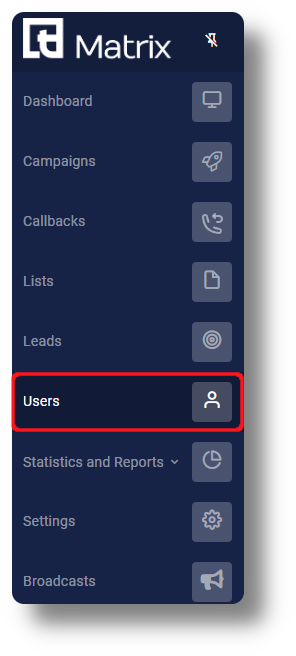
This article will provide you an overview of the Users section and it's functionality as well as how to create users: 1. To create users navigate to the "Users" tab located on the left-hand side of your screen where the menu options are displayed: 2. ...
API
If you would like to use the API of the Billing Portal, simply navigate to the API section where you will find the necessary information:
Squaretalk API
If you require information regarding the Squaretalk API's please visit the following link: https://api-pbx.squaretalk.com/ From here you can access the Axiom C2C API as well as the rest of the API's.
How to Edit or Delete a User
How to Edit or Delete a User As your team grows or roles change, you may need to update user details, adjust permissions, or remove inactive accounts. ? Note: Admin permissions are required to access user settings. Step-by-Step: Edit a User Go to ...
How to Create a User
How to Create a User To give someone access to the Squaretalk Platform, you need to create a User profile. Each user is automatically assigned an Extension during setup, so you no longer need to create extensions separately. This guide explains how ...